Analysis
Six fixed tonal bands measured in relative dB, so balance never depends on how loud the track is. Integrated per section for a stable long-term read.


Products
A section-aware mastering plugin — it measures the tonal balance of each section against a reference and shows you exactly what every part needs.
SELANCE · Mastering
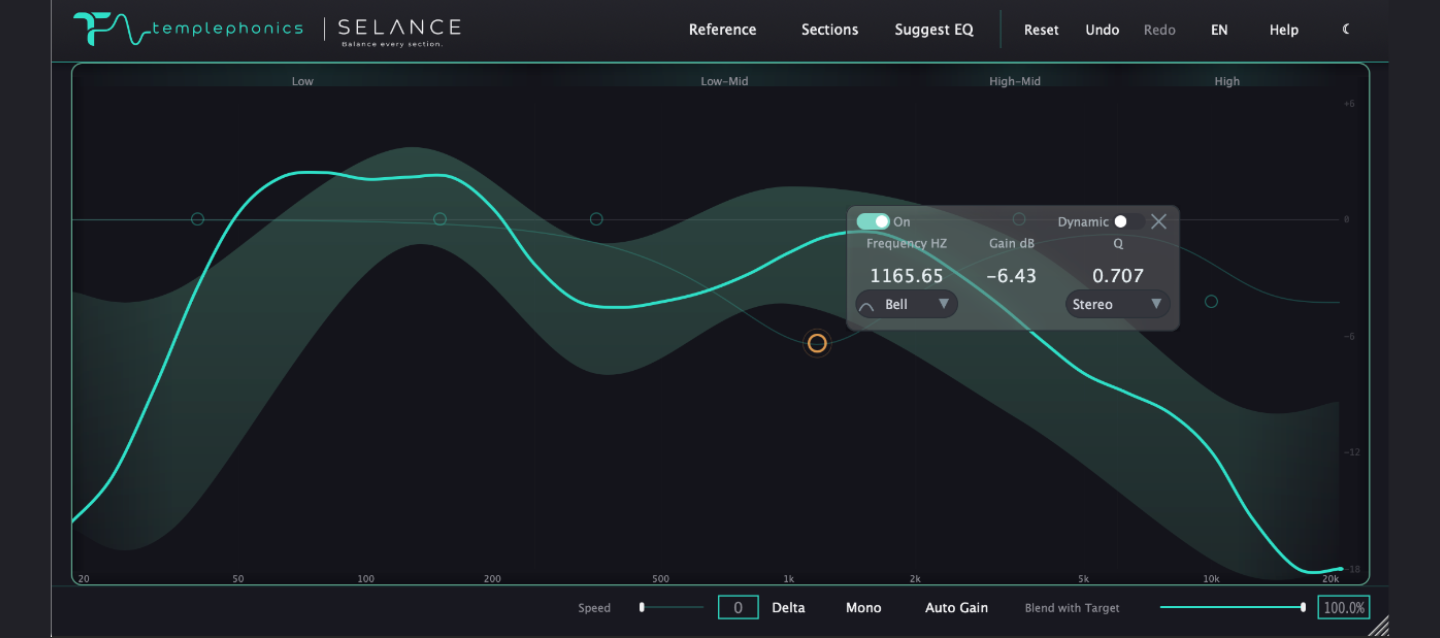
SELANCE analyzes the tonal balance of each section of your track against a reference and shows you exactly what every part needs — with a six-band EQ, HPF/LPF and a tonal target all in one window. The EQ is manual: the plugin measures and proposes, you decide.
SELANCE · Screenshots
Tonal balance against the target zone, with the six-band EQ in the same window.
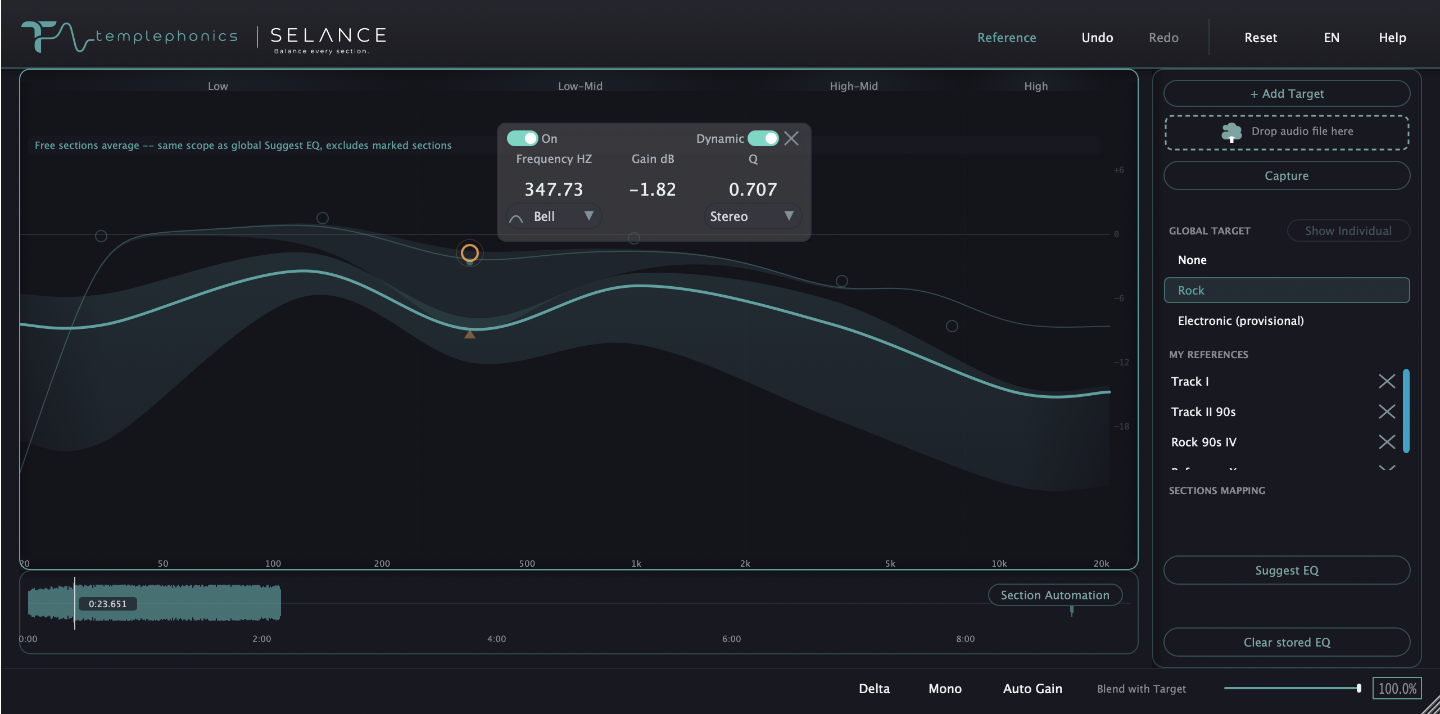
Bell, Shelf, HP/LP and Notch shapes, dynamic EQ and Mid/Side per band.
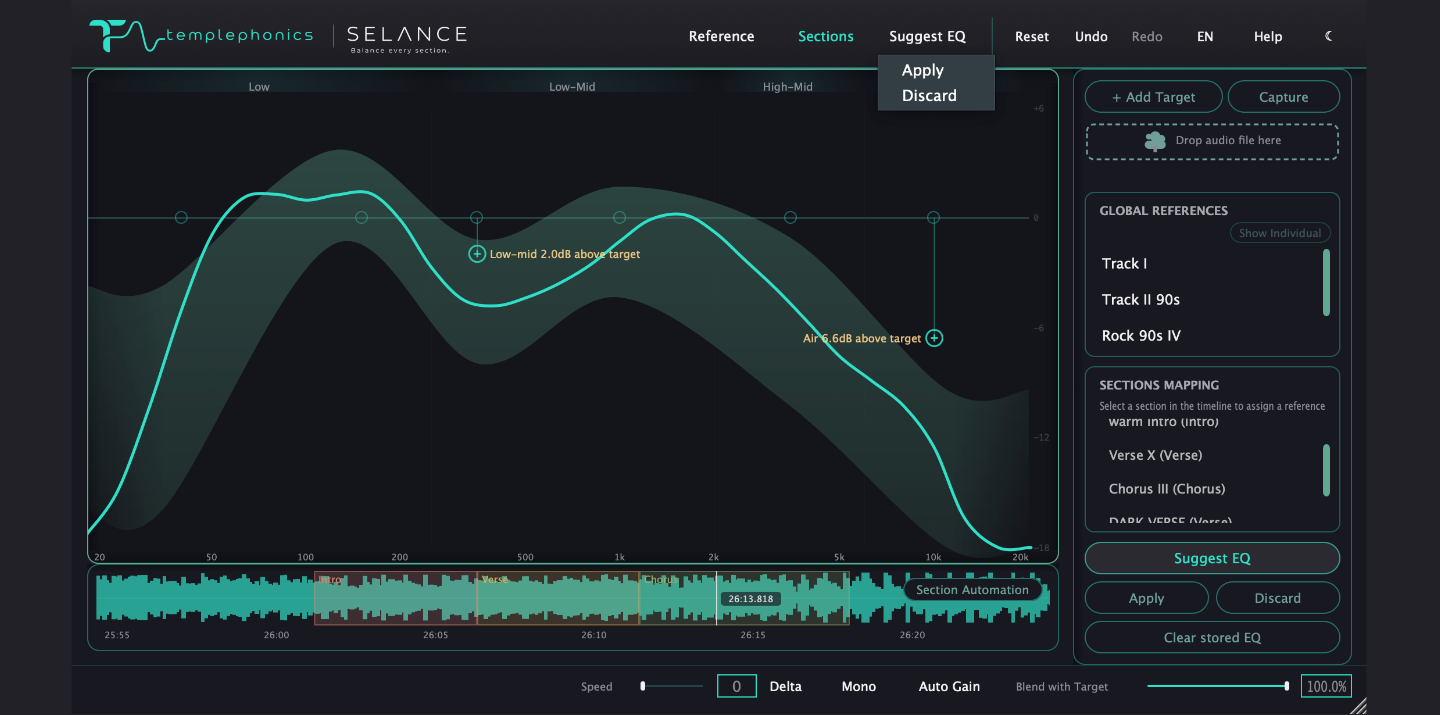
Mark verses, choruses and bridges; each section keeps its own reference and EQ state.
SELANCE · Detail
Six fixed tonal bands measured in relative dB, so balance never depends on how loud the track is. Integrated per section for a stable long-term read.
Bell, Low/High Shelf, High/Low Pass and Notch shapes, 6–48 dB/oct slope, per-band power, dynamic EQ that responds to the signal, and Mid/Side processing per band.
Built-in genre curves and an unlimited personal library — import files or folders, capture live from the DAW, activate up to seven references and see the combined zone.
On demand, SELANCE proposes the EQ moves toward the nearest edge of the target zone — never applied automatically, always your call. Preview the whole curve, then Apply or Discard.
Solo any band, hear exactly what the EQ adds with Delta, check mono compatibility and compensate perceived loudness with Auto Gain — so you judge tone, not volume.
Mark verses, choruses and bridges on a live waveform. Each section keeps its own reference and EQ state, with dynamic matching and a stable long-term verdict after two minutes.
Specification
VST3 · AU · AAX
Coming soon
11 and later · Apple Silicon & Intel
Perpetual · free updates