

Documentation
Target & references.
Everything you aim at: genre curves, your own library, live capture and per-section targets.
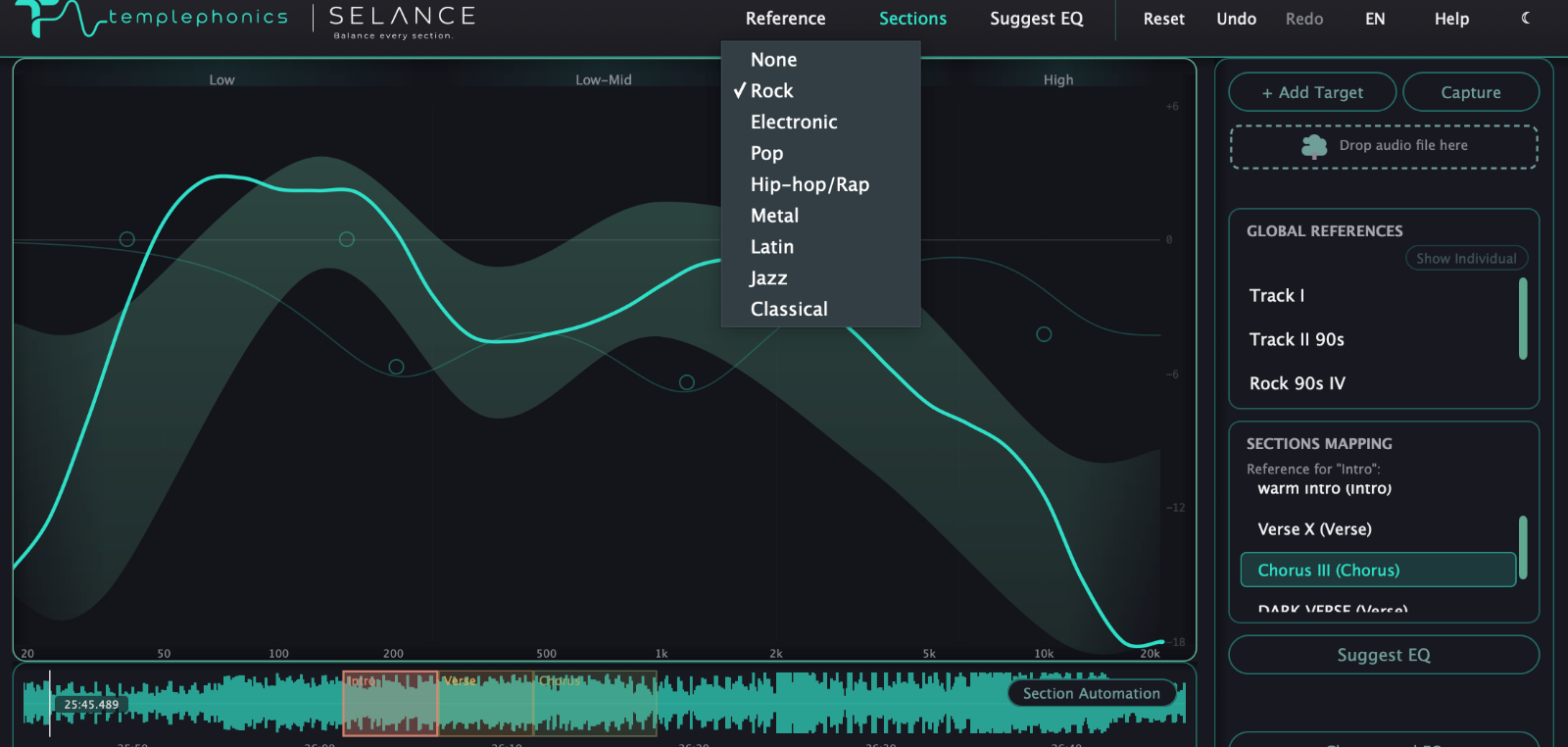
Genre curves
The built-in targets, selected like radio buttons: None, Rock, and Electronic. Rock is calibrated against a real reference library; Electronic is provisional and will be refined before launch. With None selected, the graph shows your balance with no target zone.
My References
Your personal library of tonal balance curves, shared across all projects and unlimited in size. You decide which ones are active right now — up to seven at a time — and their zone is the combined range of the active set. Show Individual draws each active curve separately, and you can delete any entry.
Add a target
Press + Add Target to create one from an audio file or from a whole folder of files, or drag and drop audio directly into the drop zone. Every imported master becomes an entry in My References.
Capture
The fastest way to build a reference: play any audio — a commercial track, a reference stem, or even a section of your own mix you love — and press Capture. The plugin measures the signal as it plays and saves the balance when you stop. At save time you choose how it is classified: None leaves it as a global target, or Intro, Verse, Chorus, Bridge, Outro or Other turns it into a section reference.
Section references
With a section selected in the Sections panel, the Target panel shows a picker for that section. Assign any classified reference from your library and that section now aims at its own target instead of the global one.
Suggest EQ
Analyzes the current balance against the active target and proposes the EQ moves that would match it — shown as ghost nodes on the graph. Preview the whole curve, then Apply or Discard it as one move. It proposes for the whole song, or for the selected section when one is selected, and it never applies anything on its own.
Clear stored EQ
Removes the saved EQ automation from the selected section, or from the shared gap when nothing is selected, returning it to neutral.
Blend
A dry/wet slider between your original signal and the fully processed one. Unlike the listening modes, this affects what is actually exported.