

Documentation
Listening tools.
How to judge what your EQ is really doing — before you commit to it.
Solo
The S button in each band's floating panel isolates that band's natural frequency range — the input filtered to that band's edges, not the band's current Q. It is a diagnostic: what actually lives in this range? Click it again to turn it off.
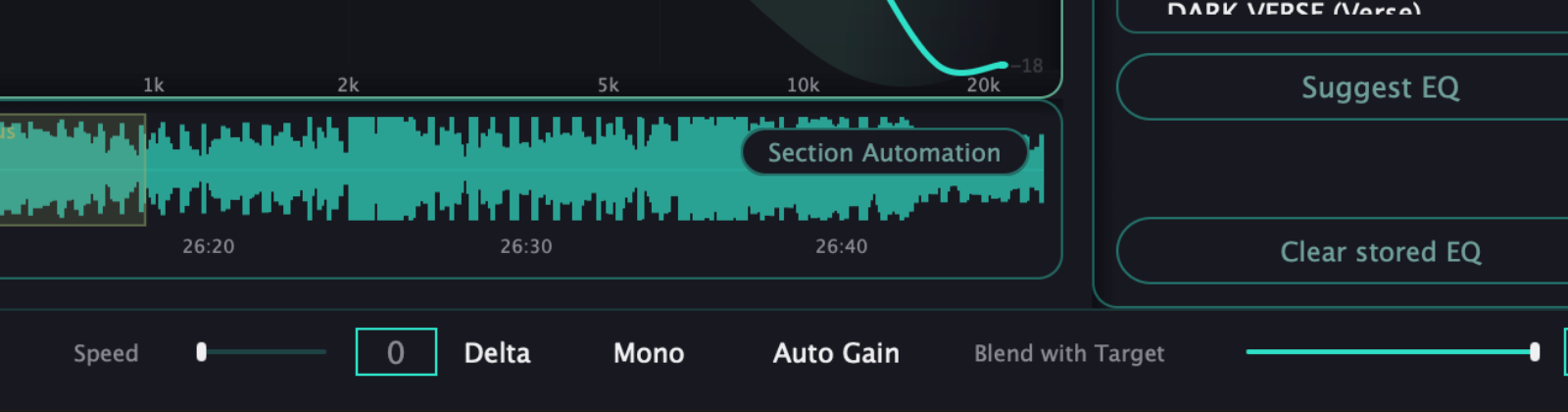
Delta
Replaces the output with the difference between the processed and the dry signal, sample by sample. You hear exactly what your EQ is adding or removing — nothing else. The most honest way to check whether a move helps.
Mono
Sums both channels with a -6 dB compensation to check mono compatibility and how the low end holds up in the center. It listens to the processed signal, so it reflects the master you would actually export.
Auto Gain
Matches the perceived loudness of the processed signal to the original, so a boost never sounds better just because it is louder. Unlike the listening modes, this is real processing and it stays in what you export.
Blend
The dry/wet slider between your original signal and the fully processed one. At 100 you hear everything your EQ does; at 0 you hear the untouched mix. It also affects what is exported.
Remember
Solo, Delta and Mono are listening modes: turn them off before a final bounce if you do not want them in the render. Auto Gain and Blend are real processing and are always part of the signal.
Trust your ears. The graph points, the tools confirm, but the last decision is always yours.